1 Mac
$19USD · one-time
Buy this planScreenshots & screen recording for Mac
Frame windows, web cards and tables precisely. Make annotations stand out in HDR on macOS 15+. Capture, edit and record on your Mac. Your content stays local.
Brighter emphasis with HDR annotations.
Explore HDR examples & workflowmacOS 14+ · everything runs locally
Captured in CaptureX on macOS
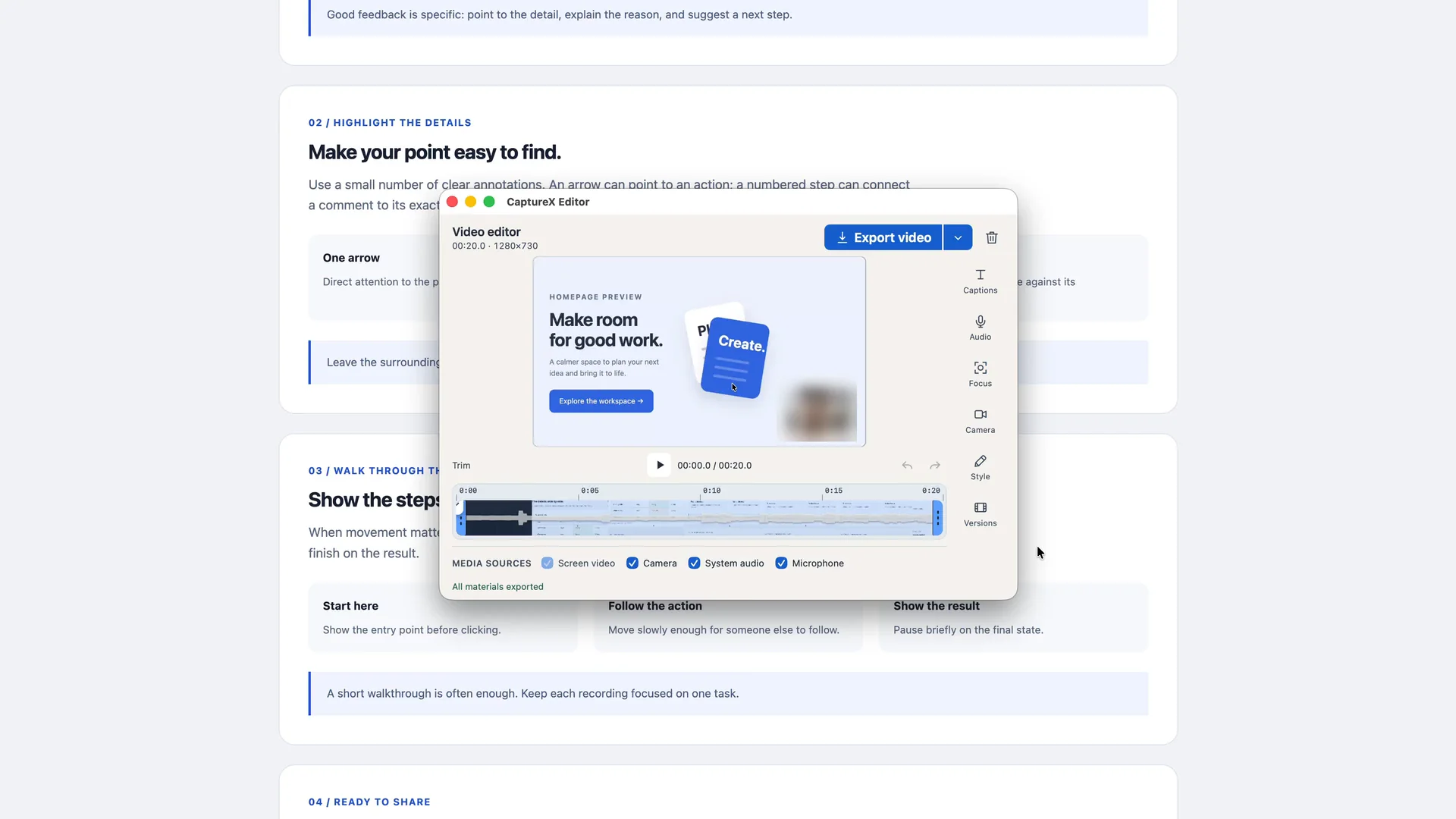
The 60-second overview: selection that snaps to windows, menu bar, page cards and table cells; annotation in the same toolbar; one scroll to a stitched long image; and screen recording that exports ordinary files. The film is built from real captures of the app.
Snap to windows or select cards and table cells across rows and columns on supported pages. Web element selection needs Accessibility permission.
Screenshots, recordings, editing and History stay on your Mac. Your screen is never uploaded.
HDR for screenshots
Give highlights, arrows and text up to 4× luminance gain. Mark what matters and save an HDR image, all in the same CaptureX editor.
Explore HDR editing and requirements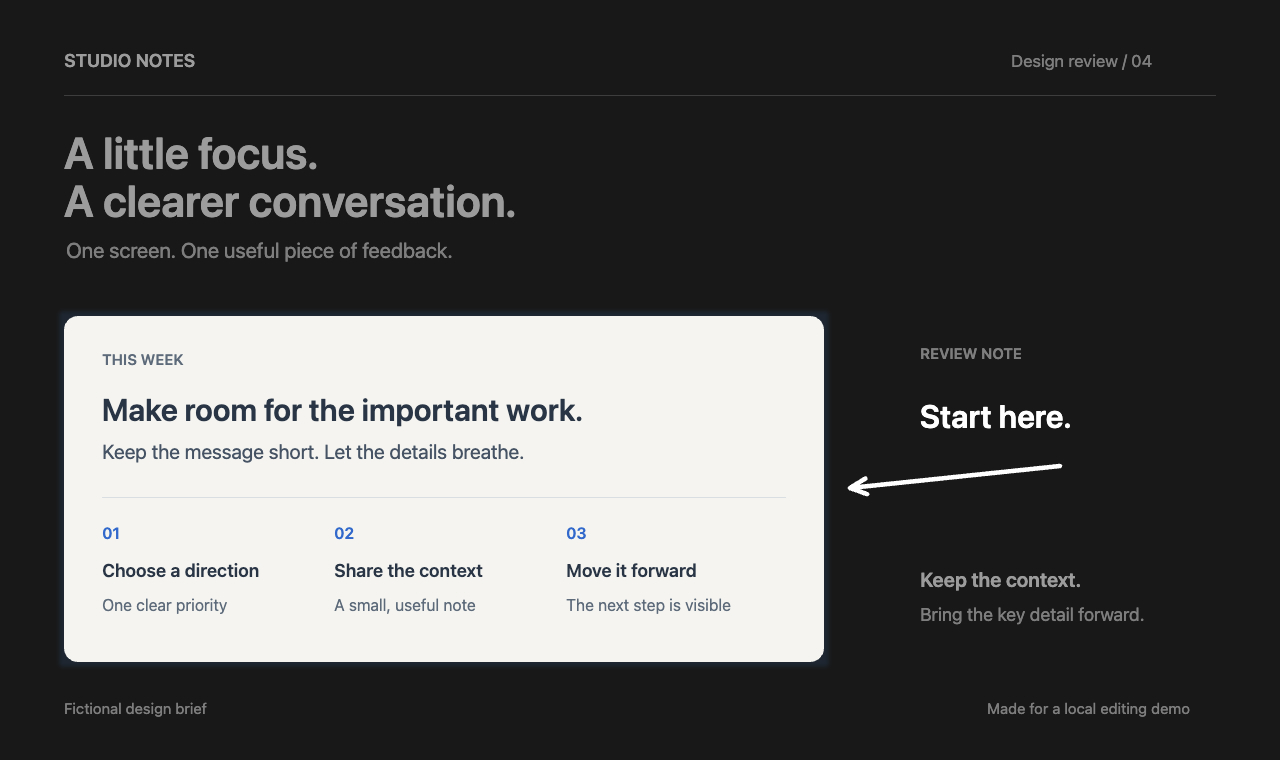
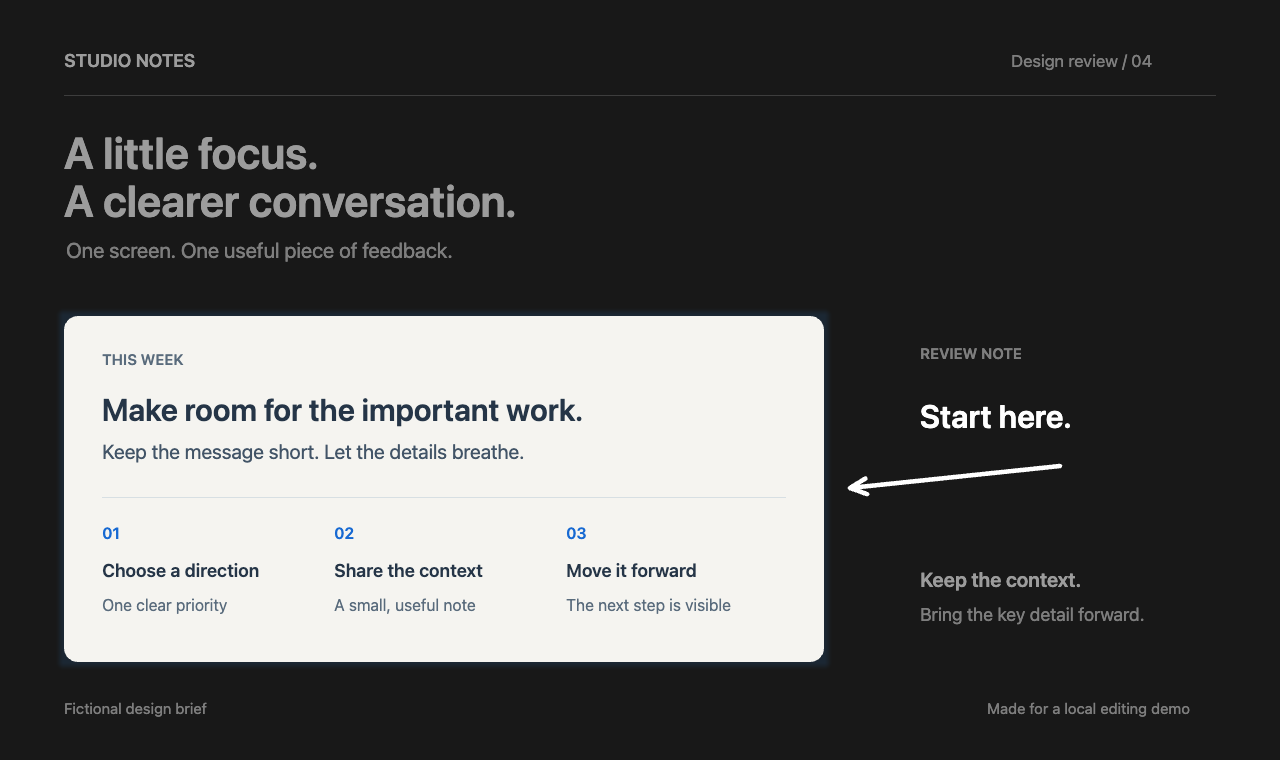
An output sample made with fictional content, edited and natively encoded by CaptureX. Text in the sample is in English.
HDR and SDR versions of the same edit. Extra brightness requires an HDR-capable display and browser; otherwise, the two images may look similar.
CaptureX
Press Control + Shift + A. Click a window, or hold Shift, move the pointer and click to confirm element bounds. No need to hold the mouse button.
Add an arrow or a note. On macOS 15+, turn on HDR to adjust annotation brightness, or switch to recording to show the steps.
Share your result. Reopen it from History whenever you need.
Simple ownership
A perpetual CaptureX version 1 license, bound to your verified email. Choose 1, 2, 5 or 10 simultaneous Mac activations.
14-day refund window · Paddle-secured checkout
FAQ
CaptureX targets macOS 14 and later. Version 1 does not promise Windows support.
No. Plans are one-time purchases: 1 Mac is $19, 2 are $29, 5 are $69, and 10 are $99. Future major versions may be separate purchases.
No. Screen, camera, audio, event content and file paths remain on your Mac, and the capture features work without a network connection. Website checkout processes only the limited data described in the Privacy Notice.
Only for three things you can see: the website checkout, license activation or recovery, and an update check you start yourself. Those requests never include your screenshots, recordings, OCR text or file paths. After activation the license verifies offline, so an unreachable server never blocks capture.
Purchases are processed by Paddle and have a 14-day refund path, in addition to any non-waivable rights that apply to you.